
In your Leisure Travel Vans Unity MBL, the soundbar can play audio from your phone or TV, but only one device at a time. Use these steps to connect your phone, return sound to the TV, and access the subwoofer.
Pair your phone with the soundbar
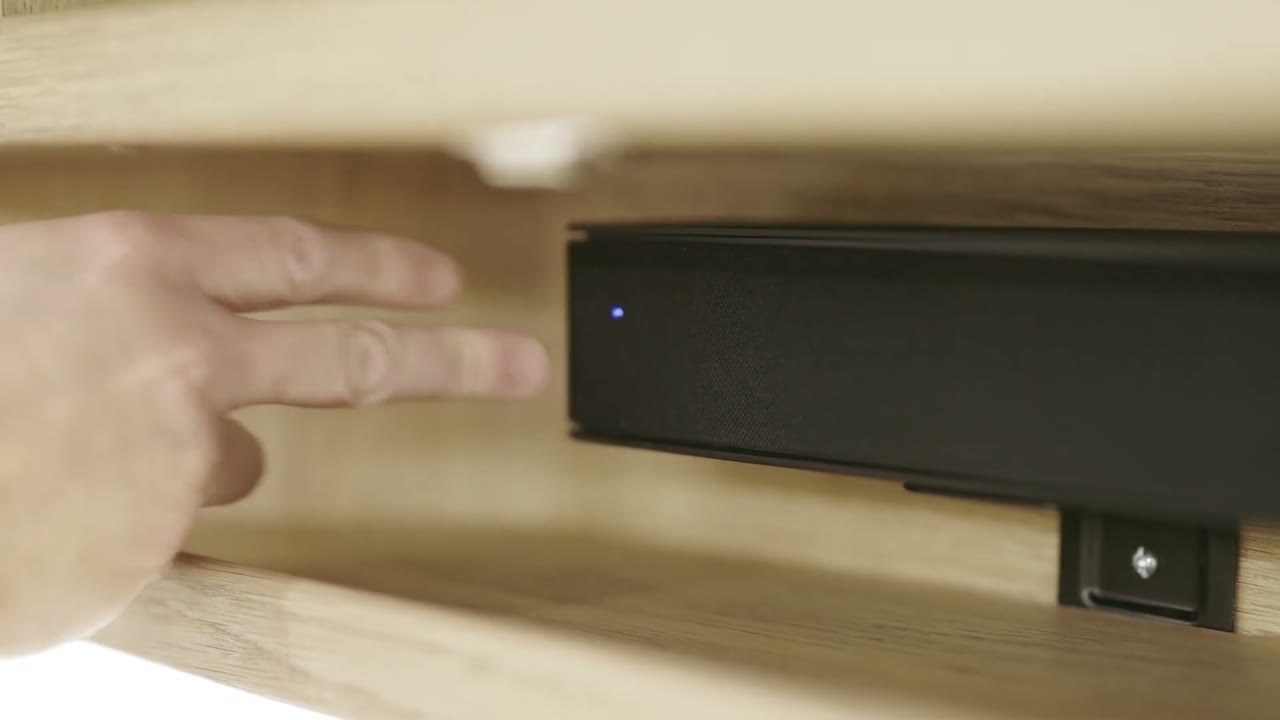
- Use the Vizio soundbar remote and press and hold the Bluetooth button. The soundbar enters searching mode, shown by its lights moving up and down.
- On your phone, open the Bluetooth device list and select Vizio V21.
- Confirm the connection on your phone. Audio from music or videos on the phone will play through the soundbar.
Switch sound back to the TV
- Disconnect the phone from the soundbar, or turn off Bluetooth on the phone.
- Turn on the TV. The TV should connect to the soundbar after the phone disconnects.
- If the TV does not connect automatically, open the settings screen with the TV remote and scroll to Bluetooth headphone.
- Select Vizio V21 and press Enter. The TV should show that it is connected.
Because the soundbar plays audio from one device at a time, the phone must disconnect before the TV can provide sound.
Adjust the volume
When the TV is connected, use either the TV remote or the soundbar remote to turn the volume up or down.
Access the subwoofer
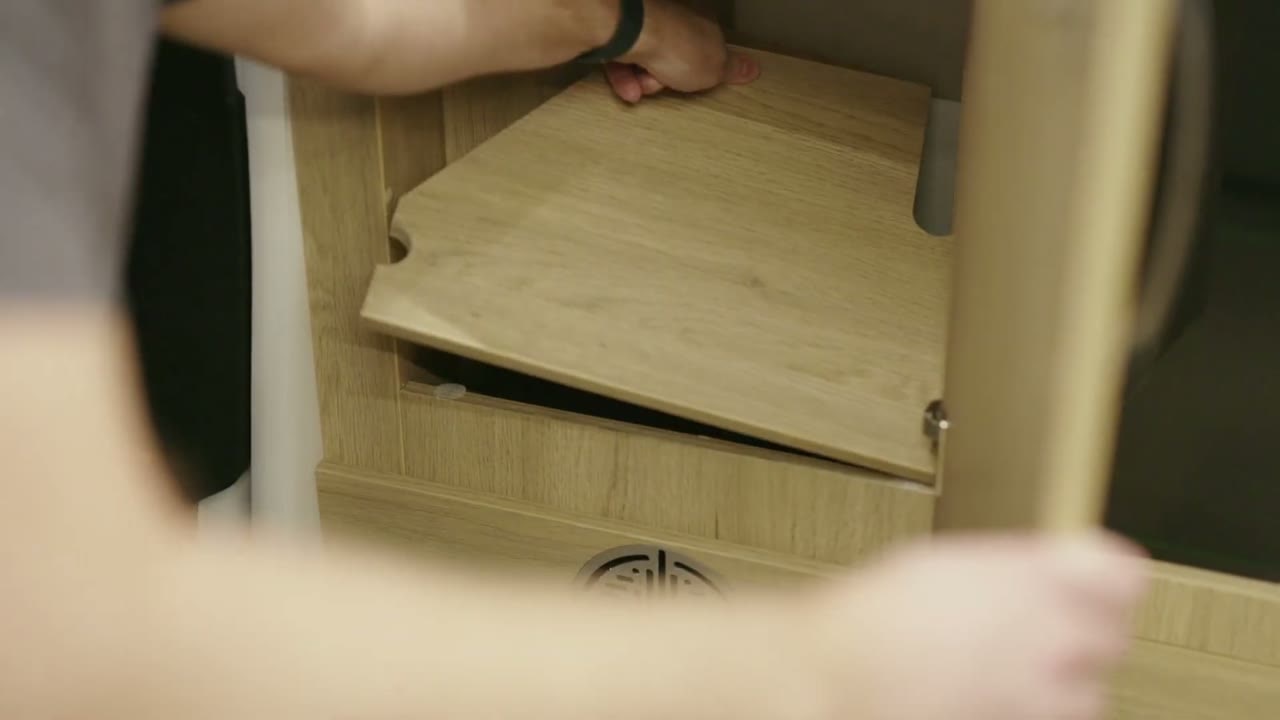
The Unity MBL has a built-in subwoofer behind a removable panel. The subwoofer has a power switch on its side. If you have a connection issue, check the switch.


