
On the Leisure Travel Vans Unity MBL, use the wall-mounted flush control switch to operate the Dometic macerator toilet and change its flush mode.
Use the flush control switch
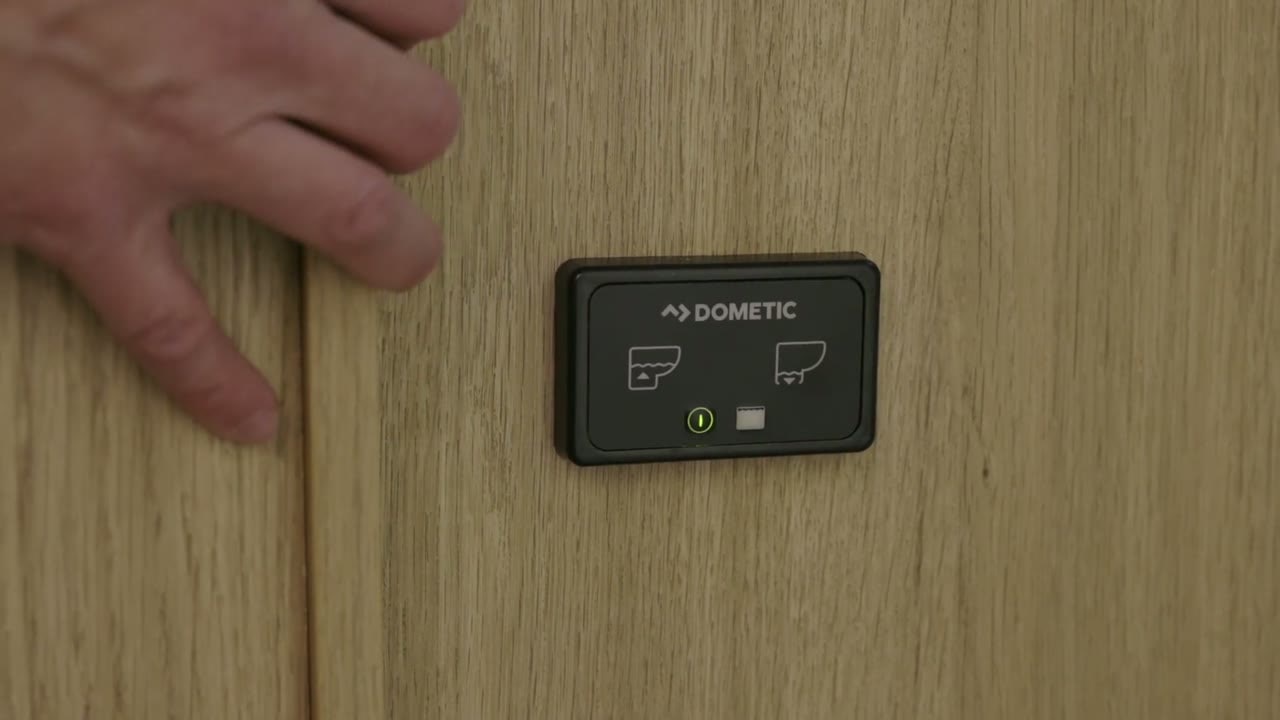
- Press the Flush button to flush the toilet.
- Watch the indicator lights. Red lights mean the black tank is full, and the toilet will not flush.
The switch also has a Fill button. Its function is not included here because the available instructions do not clearly explain what it fills.
Switch between Normal Flush and Dry Bowl
- Press and hold the Flush button for about five seconds, until the toilet flushes, to change modes.
- Repeat the same action to switch back.
Normal Flush refills the bowl after flushing and uses about 0.85 gallons per flush. Dry Bowl does not refill the bowl and uses about 0.45 gallons per flush.
Find the control module
In the Unity MBL, the module that controls the toilet’s flushing sequence is underneath the shower. The wall switch communicates with this module.


