
For participating in Travellers Clubs and ensuring you receive the most up-to-date LTV information, we recommend that partners sharing a coach each create their own MyLTV account.
Ensure both people already have a MyLTV account. If you need to create an account, you can do so here.
Log in to one of the users accounts, and navigate to the MyLTV Settings page
Scroll down to the "Link a Partner" section
Click "Connect Partner"
Enter the email address of the other person's MyLTV account
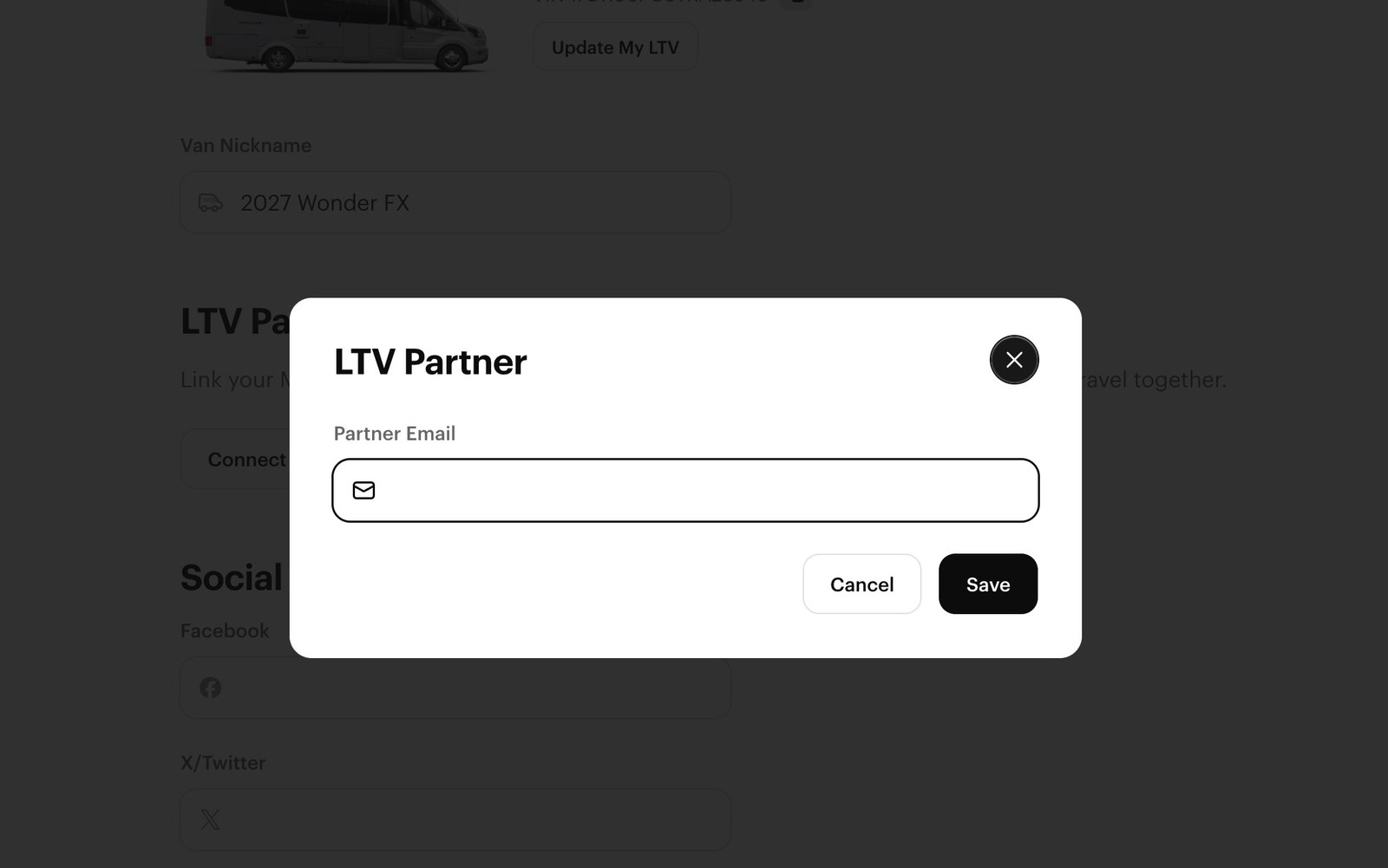
The invitation will now show as "Pending" on your account
The second person should now log in to their MyLTV account. Navigate to the MyLTV Settings page again
Scroll down to the "LTV Partner" section, where there will now be a banner displayed stating "You have been invited to join [Partner Name] as a partner
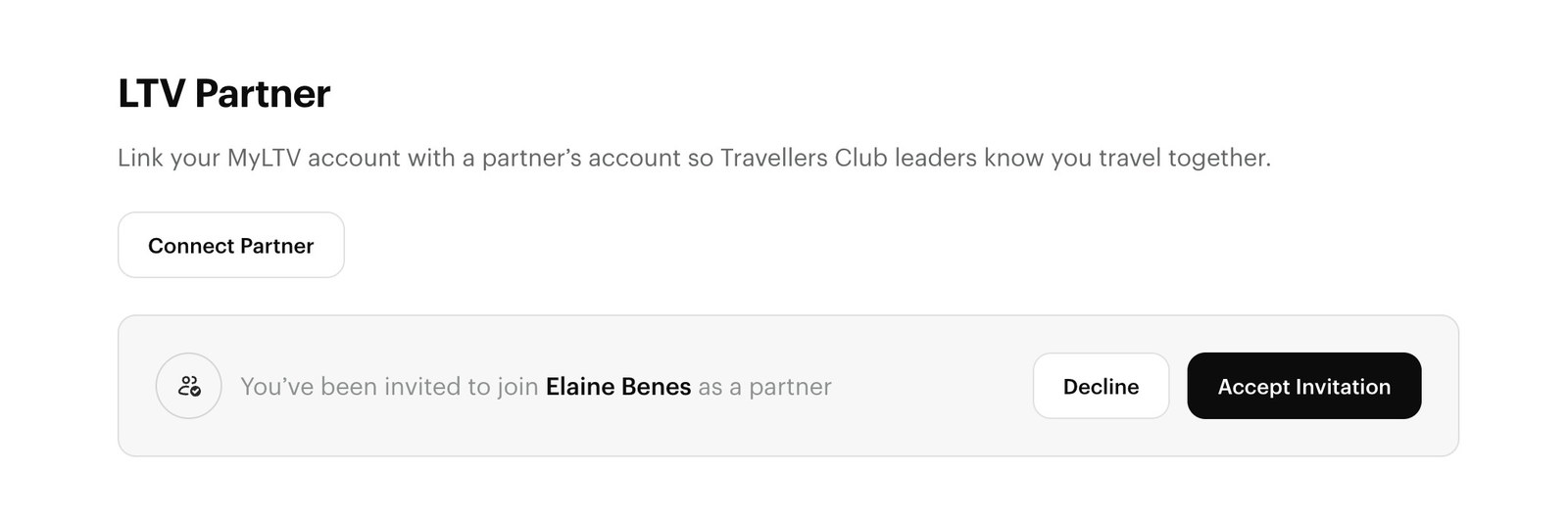
Accept or decline the invitation
Once you accept the invitation, your accounts are linked. Now your club leader will be able to see that you travel together in the same coach.


