


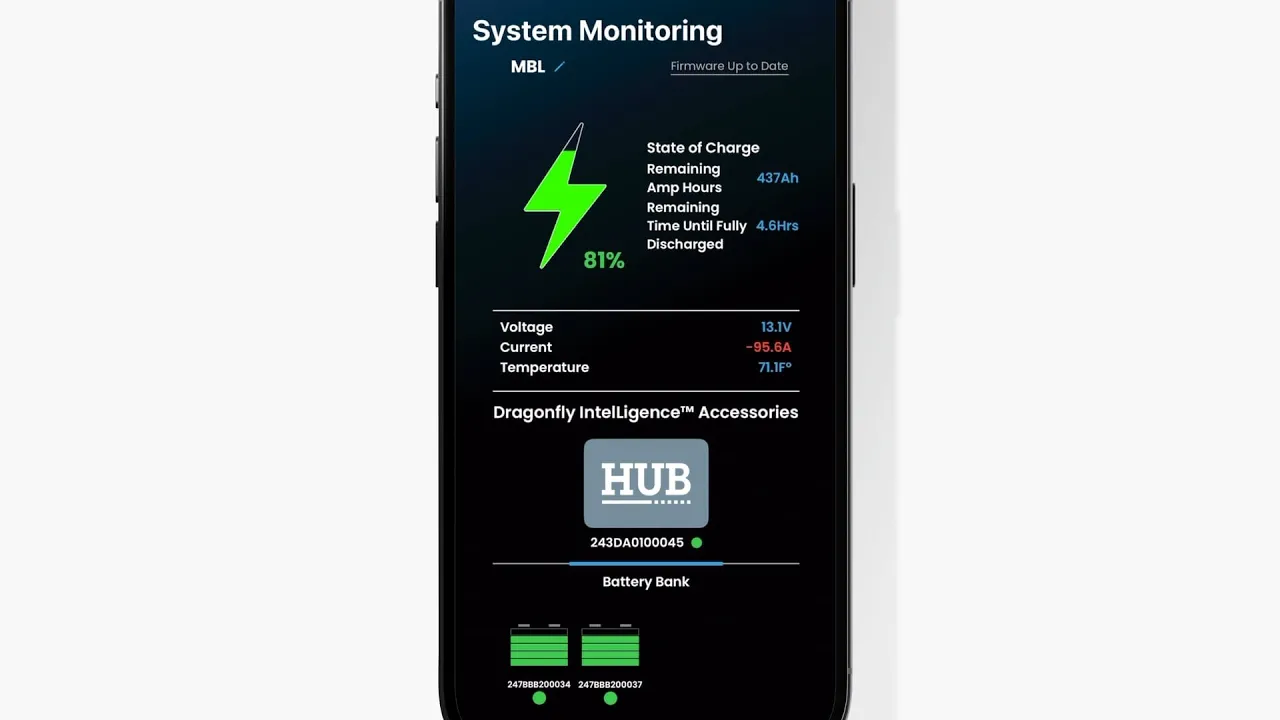
Easily monitor your RV's power levels right from your smartphone. Join Josiah from Leisure Travel Vans as he walks you through the simple process of setting up the Battle Born app to track the state of charge on your lithium battery system. Monitoring your power is essential for a worry-free travel experience. In this video, Josiah demonstrates how to connect your coach's battery hub to the app via Bluetooth, ensuring you have accurate, real-time data on your energy usage. In this video, you’ll learn: - How to download the app and create your Battle Born account. - How to find and connect to your LTV’s hub using discoverable devices. - How to select the correct battery model (BB GC3H with the built-in heating module). - How to configure your system based on your battery count (standard 270Ah vs. upgraded 540Ah systems). Note: The Battle Born app operates via a Bluetooth connection, so you must be within range of your Leisure Travel Vans coach to view your battery status.
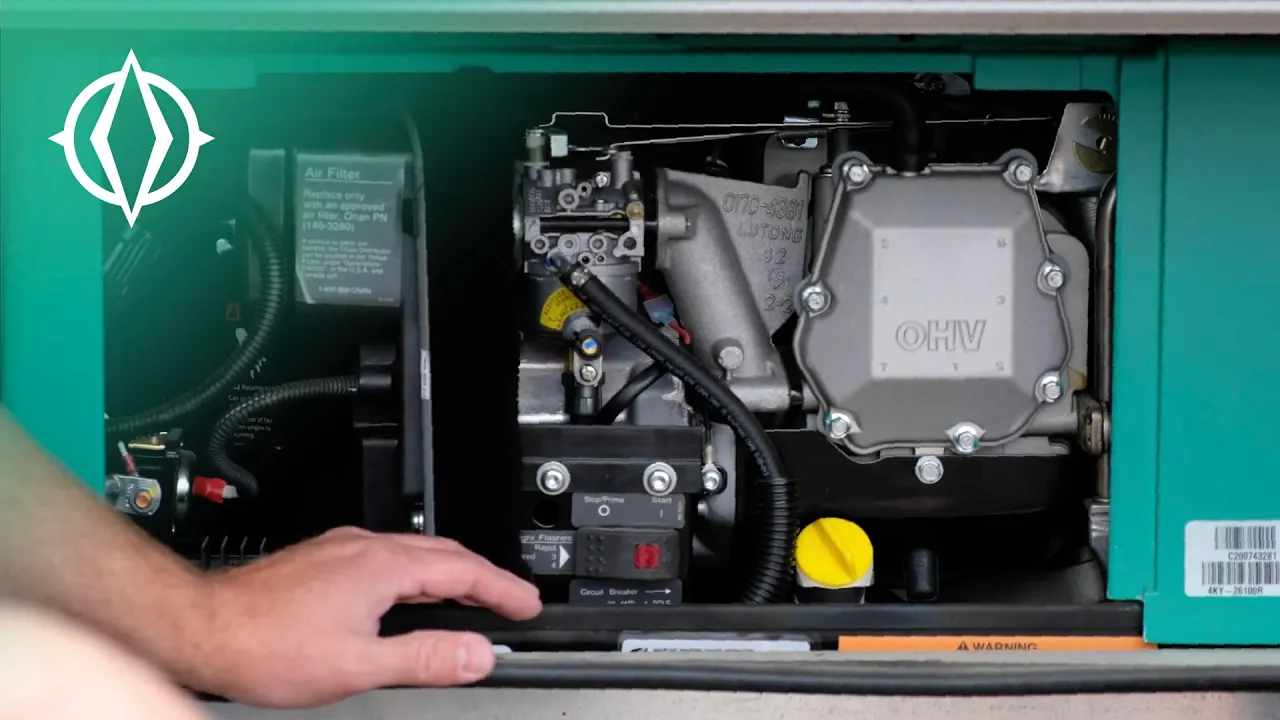
Get the most out of your off-grid adventures by mastering the energy systems in your Leisure Travel Vans. In this video, we provide a comprehensive guide to understanding and managing your RV's power sources, ensuring you stay powered up and ready for the road ahead. Whether you're curious about lithium battery management, solar charging, or using your inverter, this helpful guide covers everything you need to know about the energy systems in the Unity and Wonder models. We'll walk you through how these components work together to provide a seamless travel experience, giving you the confidence to explore further. Key topics covered in this video: - Understanding your Leisure Travel Vans battery system - How to monitor your power usage effectively - Tips for maximizing solar energy efficiency - Using the inverter for your AC appliances - Best practices for shore power and surge protection Our goal is to empower you with the knowledge to travel confidently, knowing your energy needs are managed and optimized for every journey.
