


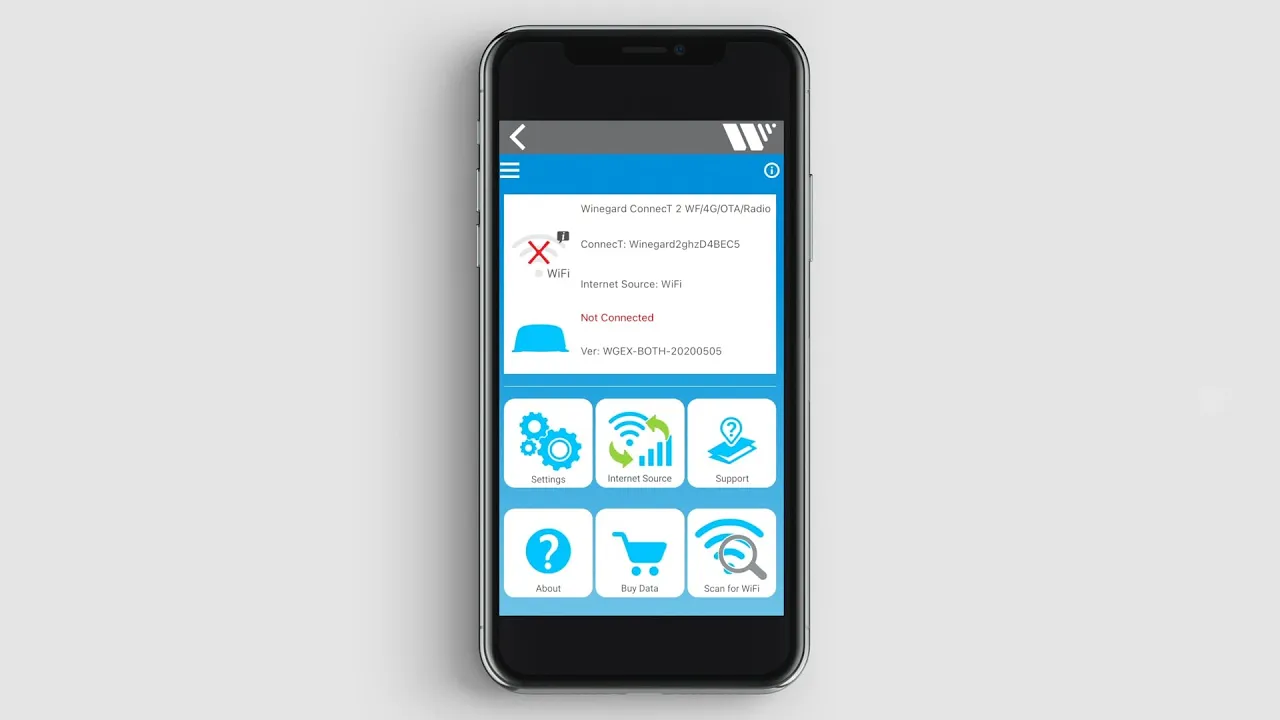
Stay connected wherever your adventures take you! In this video, Brian from Leisure Travel Vans provides a step-by-step guide on how to easily set up and connect to the Winegard Connect 2.0 system on your motorhome. Whether you're looking to boost a campground Wi-Fi signal or manage your onboard internet, this tutorial ensures you have a seamless connection for all your devices. We walk you through the entire process, from powering on the unit to using the Winegard Connected App. In this video, you’ll learn: • How to locate and power on the Winegard 2.0 Wi-Fi booster. • Where to find your specific Wi-Fi credentials in your manual. • How to connect your mobile device to the Winegard network. • Setting up the Winegard Connected App to scan for and bridge internet sources. Setting up your RV internet is a great way to enhance your travel experience. Follow these simple steps to get your Leisure Travel Vans coach online in just a few minutes.
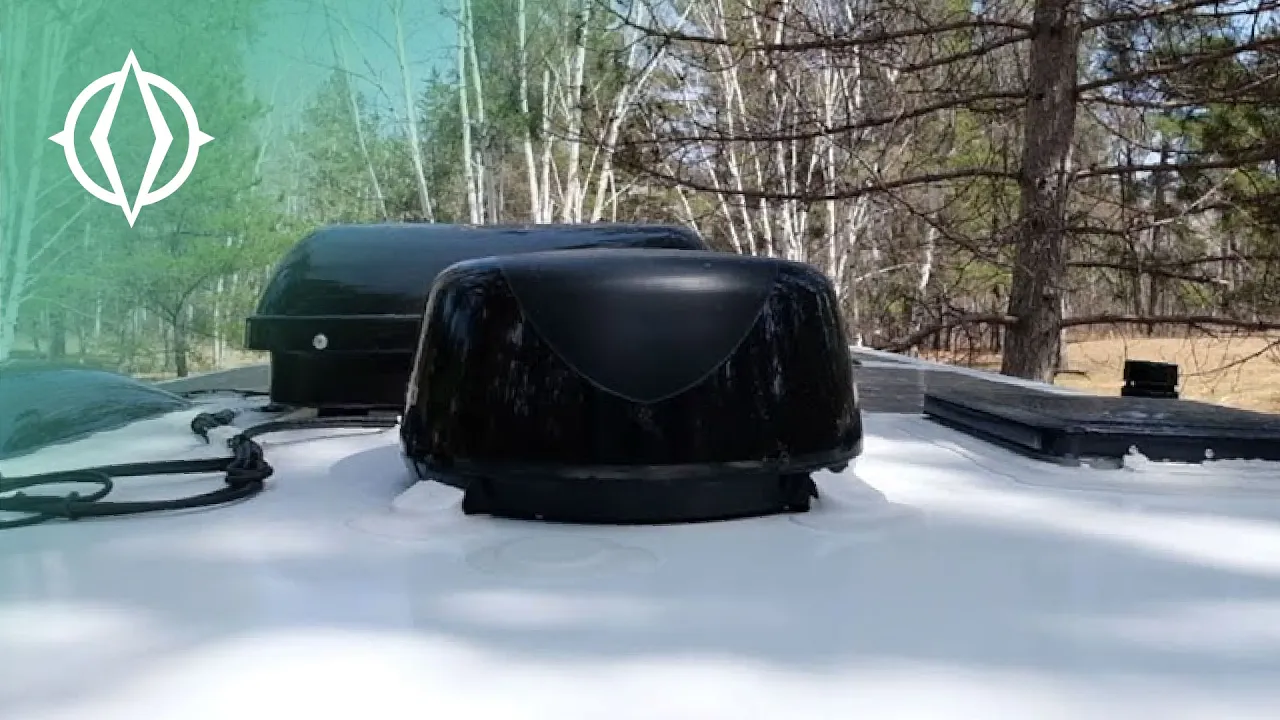
Stay connected wherever your adventures take you! In this video, Dean and Brian from Leisure Travel Vans provide a helpful guide on how to set up and maximize the Winegard Connect 2.0 Wi-Fi booster and 4G LTE system in your motorhome. Whether you are trying to boost a weak campground signal or looking to utilize dedicated 4G data, we show you the simple steps to ensure you have reliable internet on the road. This all-in-one solution helps you stay empowered and connected, no matter where you park. In this video, we cover: • How to identify and operate the Wi-Fi booster switch on your internal panel. • Where to find your factory password to log into the booster. • How to use the Winegard app to simplify your installation and setup. • Scanning for and boosting free Wi-Fi signals from campgrounds or local businesses. • An introduction to using the 4G LTE SIM card slot for a dedicated data connection.
