


Steps to take to defrost your Dometic 3 wayfridge
What is your fridge trying to tell you?
Choose a power source, adjust the temperature, and prepare the refrigerator for storage using its control dial and button.
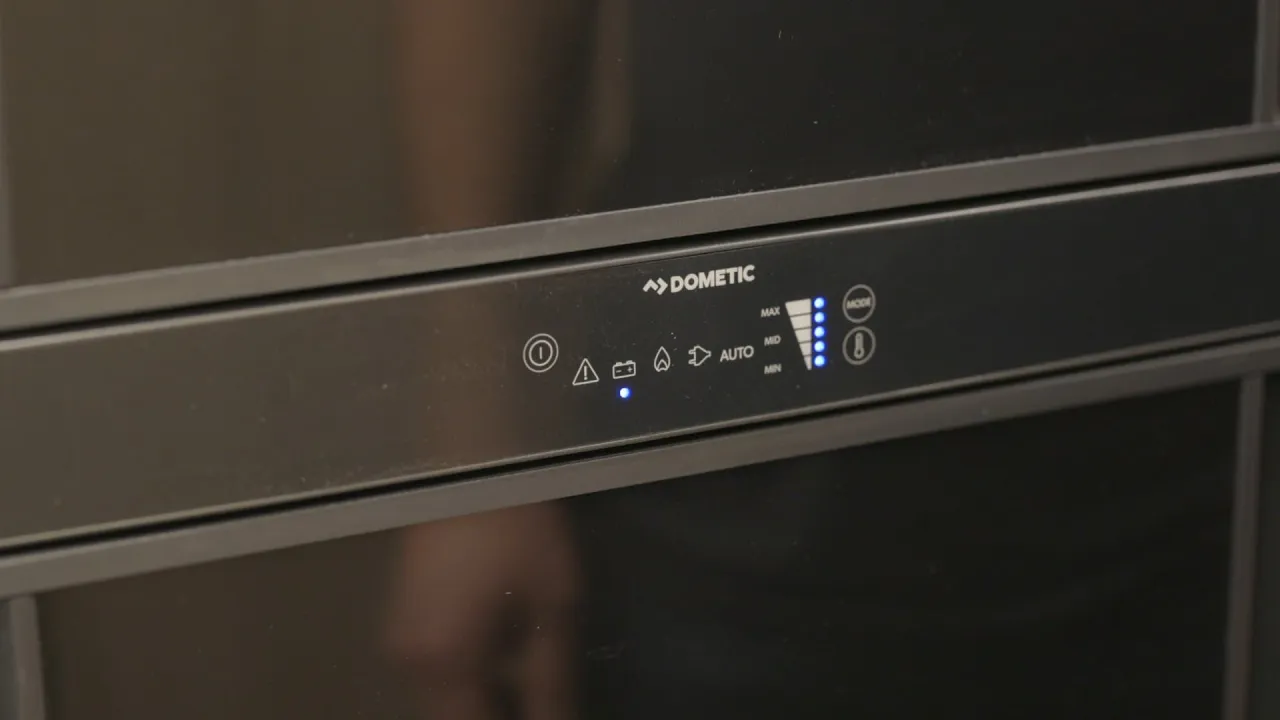
Ensure your food stays cold and your fridge runs efficiently on every adventure. In this video, Brian from Leisure Travel Vans provides a comprehensive guide on how to operate and troubleshoot the Dometic RMD 10.5 3-way fridge found in many of our coaches. Whether you are connected to shore power, running on propane, or driving down the highway, understanding how your refrigerator manages power is key to a stress-free trip. We walk you through the capacitive touchscreen interface, explain the logic behind the "Automatic" setting, and show you exactly how to handle common situations like propane ignition errors. In this video, you’ll learn: • How to power on and navigate the Dometic RMD 10.5 touch controls. • The differences between the 3-way power modes: 120V, Propane, and Battery. • How the fridge prioritizes power sources to save you energy. • Step-by-step instructions to reset error codes (like the common propane flame error). • Tips for purging air from propane lines after a refill. • How the battery mode functions automatically while the chassis is running.
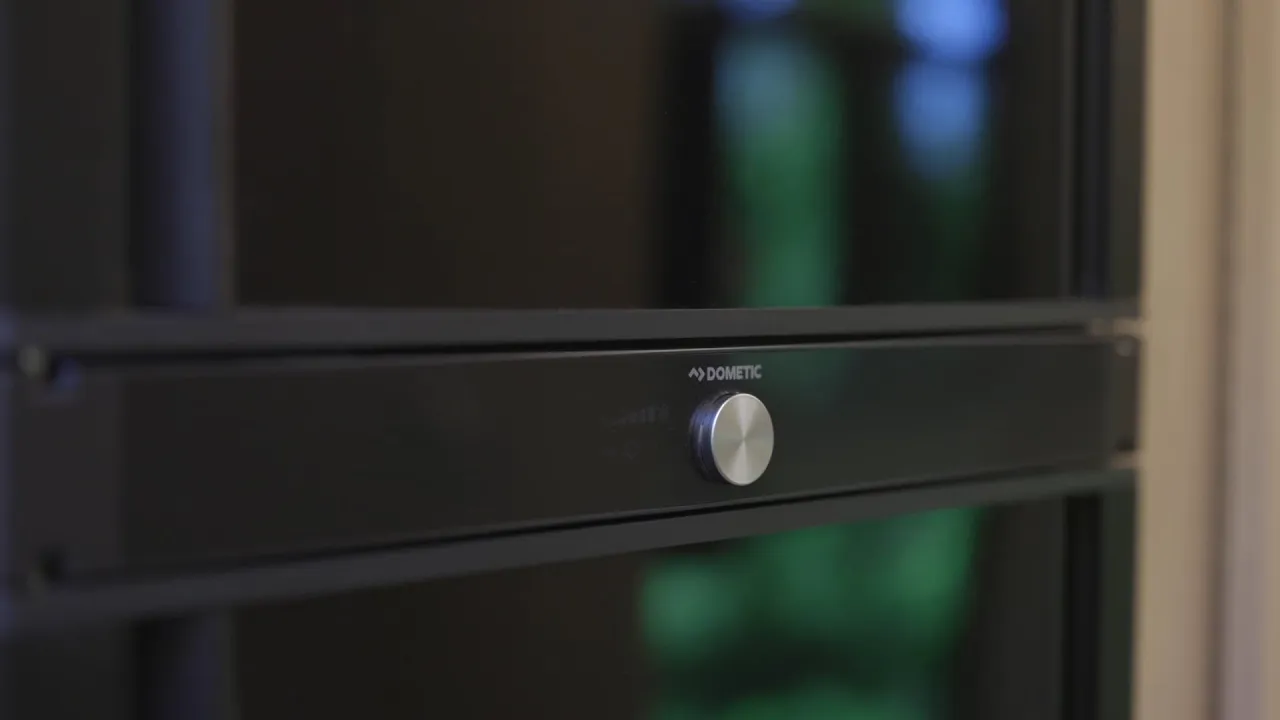
Learn how to easily manage your RV's cooling with this guide to the Dometic RMD 10.5 fridge dial controls in your Leisure Travel Vans. In this video, Brian walks you through the essential functions of your three-way fridge to ensure your food stays fresh and your power usage remains efficient throughout your journey. Whether you're plugged into shore power at a campsite or heading off-grid, understanding how to navigate your fridge's settings is key to a stress-free travel experience. We focus on providing you with the solutions you need to operate your coach with confidence. In this video, we cover: - Navigating the LCD display using the dial and button interface. - Understanding the "Auto" mode and how it prioritizes power sources. - How to manually switch between 110V shore power, propane, and 12V battery power. - Best practices for using battery mode while driving vs. boondocking to protect your coach batteries. - Adjusting temperature settings for both the fridge and freezer compartments. By mastering these simple controls, you can ensure your Leisure Travel Vans coach is always optimized for your specific travel needs. Subscribe to @LTVHelpVideos: https://youtube.com/@LTVHelpVideos?view_as=subscriber&sub_confirmation=1 Subscribe to @LeisureVans: https://www.youtube.com/leisurevans?view_as=subscriber&sub_confirmation=1
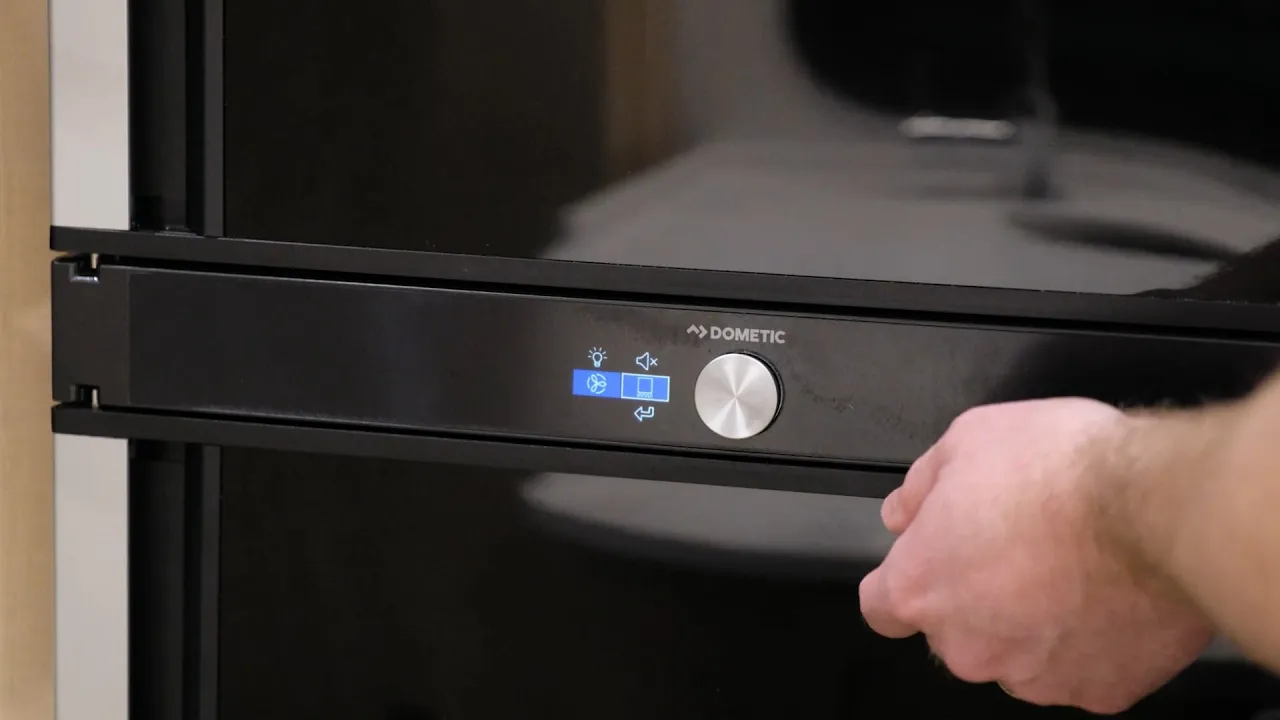
Discover how to easily manage and optimize your Dometic Series 10 refrigerator in your Leisure Travel Vans motorhome. In this helpful guide, Dean and Brian from LTV walk you through the features and operation of this versatile three-way fridge to ensure your food stays fresh on every journey. The Dometic Series 10 offers 6.7 cubic feet of space with a unique dual-swing door, allowing you to access your snacks from either side. We’ll show you how to navigate the LCD control panel to switch between 120V AC power, 12V DC battery power, and propane, or how to use the 'Auto' mode for worry-free cooling while you travel. Key topics covered in this video: - Overview of the 6.7 cu. ft. capacity and dual-swing door functionality. - How to use the main LCD control dial and interface. - Manually switching between power sources: Shore power (120V), Propane, and Battery (12V DC). - Why 'Auto' mode is the preferred setting for seamless power transitions.
