
Leisure Travel Vans uses the Firefly system to communicate with coach devices, including the transfer switch and water heater, over RVC cables.
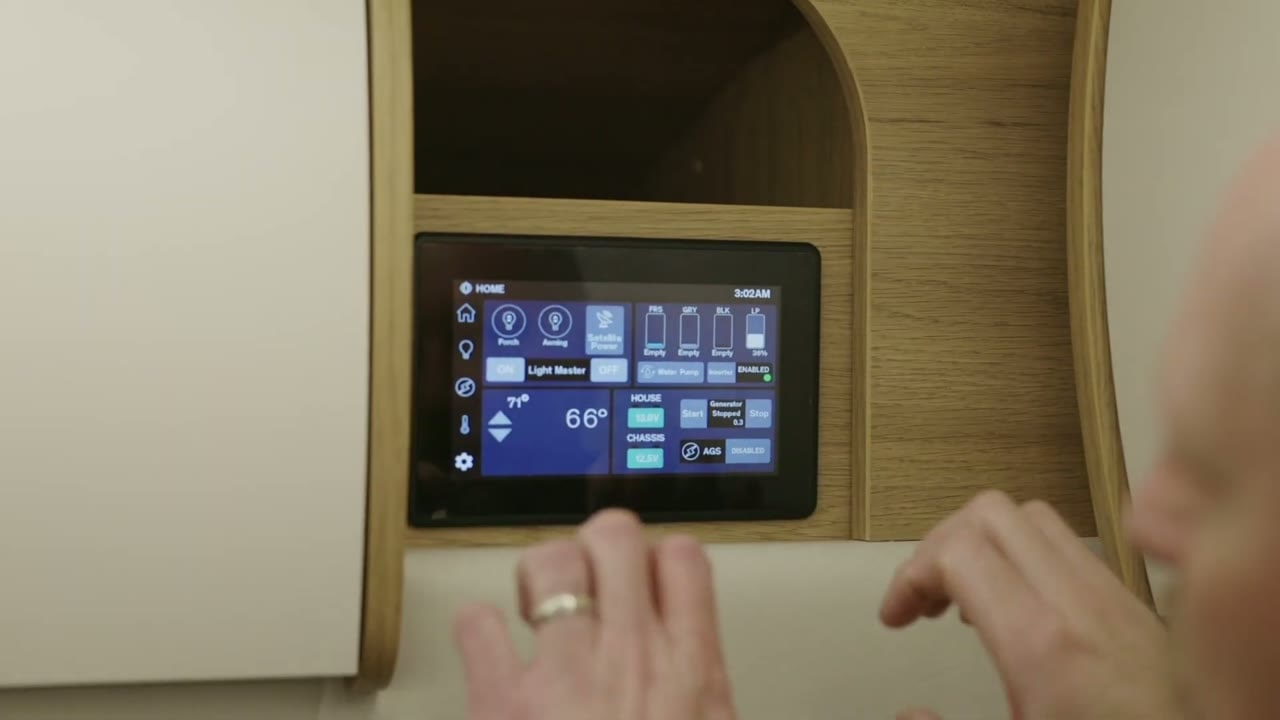
Remove the Firefly LCD screen
Push down on the screen and pull it out to unclip it. Pull steadily; the screen can take considerable force to remove.
Reset the Vega Touch Mira Bluetooth module
The Vega Touch Mira Bluetooth module, behind the LCD panel, sends the Bluetooth signal to your phone.
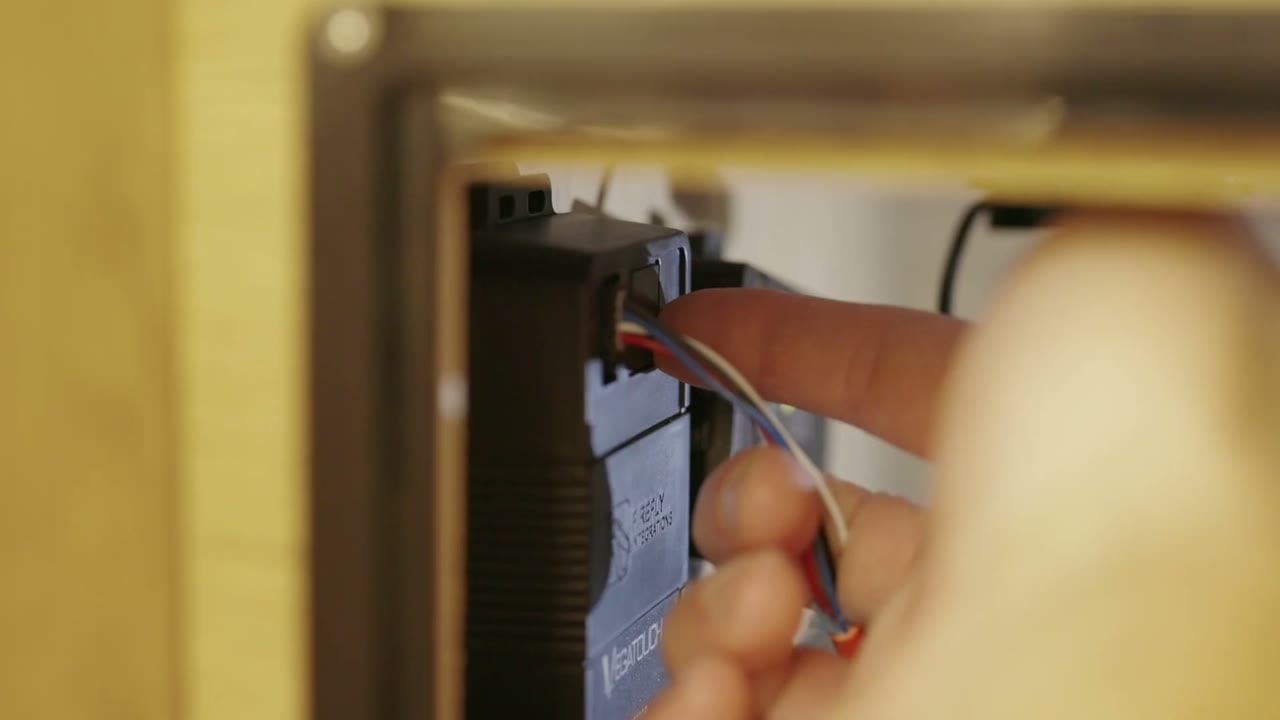
Remove the Firefly LCD screen to access the module.
Press the small reset button on the module. Use a paper clip or toothpick if needed.
Hold the button for about five to 10 seconds.
Sign in to the mobile app again with the factory PIN, 7777777. You can also check the PIN on the APP screen on the Firefly panel.
Check battery state of charge
The Dragonfly hub communicates with the battery. Use the Battle Born app on your phone to connect to the hub and view the battery state of charge.
Update Firefly system firmware
Leisure Travel Vans may send you a preset USB, or send the .bin files and instructions to set up your own USB. Which option you receive depends on your comfort level with technology.
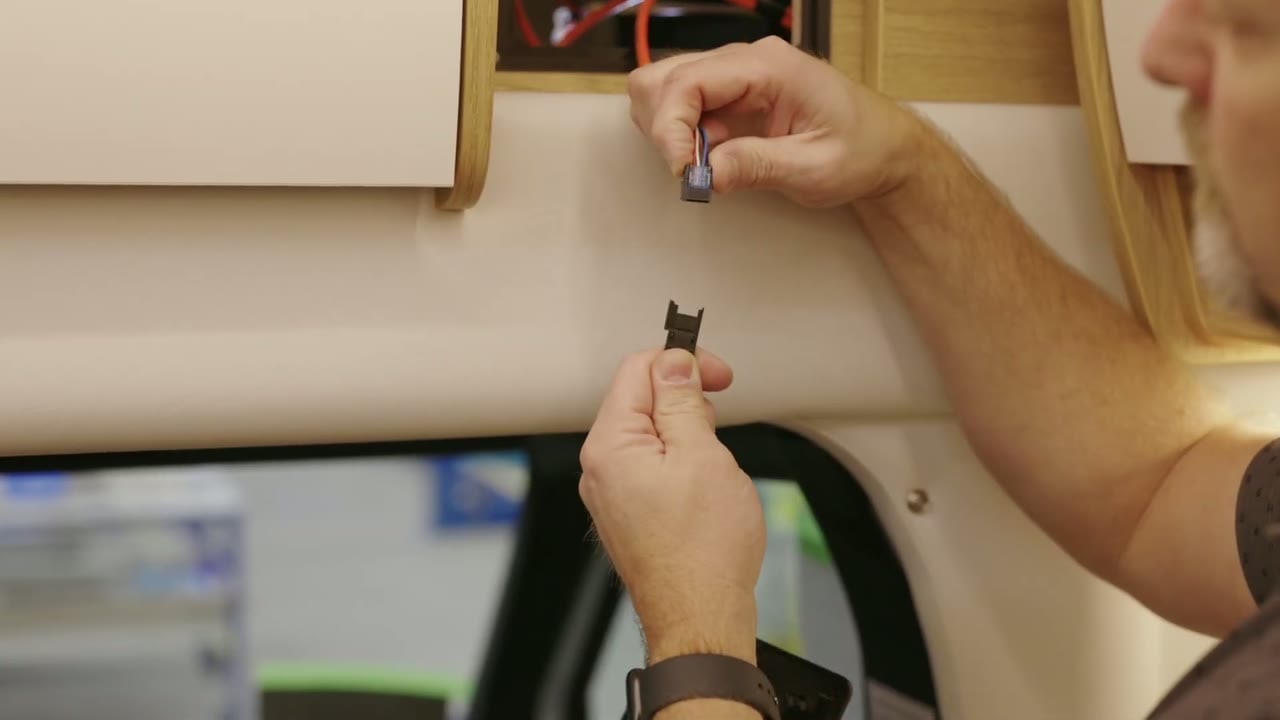
Unplug the RVC cable by pressing its tab and pulling the connector apart.
Insert the USB stick containing the new firmware into the USB port on the back of the Firefly screen.
Reconnect the RVC cable. Push the connector in until it clips into place.
Follow the update prompts on the screen. Update every file the screen identifies as needing an update.
When the updates are complete, disconnect the USB stick. The system will reset.
Find the Firefly version information
Open the Settings screen. At the bottom, check the GOI version and CLC version. Some systems label the CLC version as the Logic Controller version. The two version numbers should match. Have them available if you contact Leisure Travel Vans or Firefly for service.


